
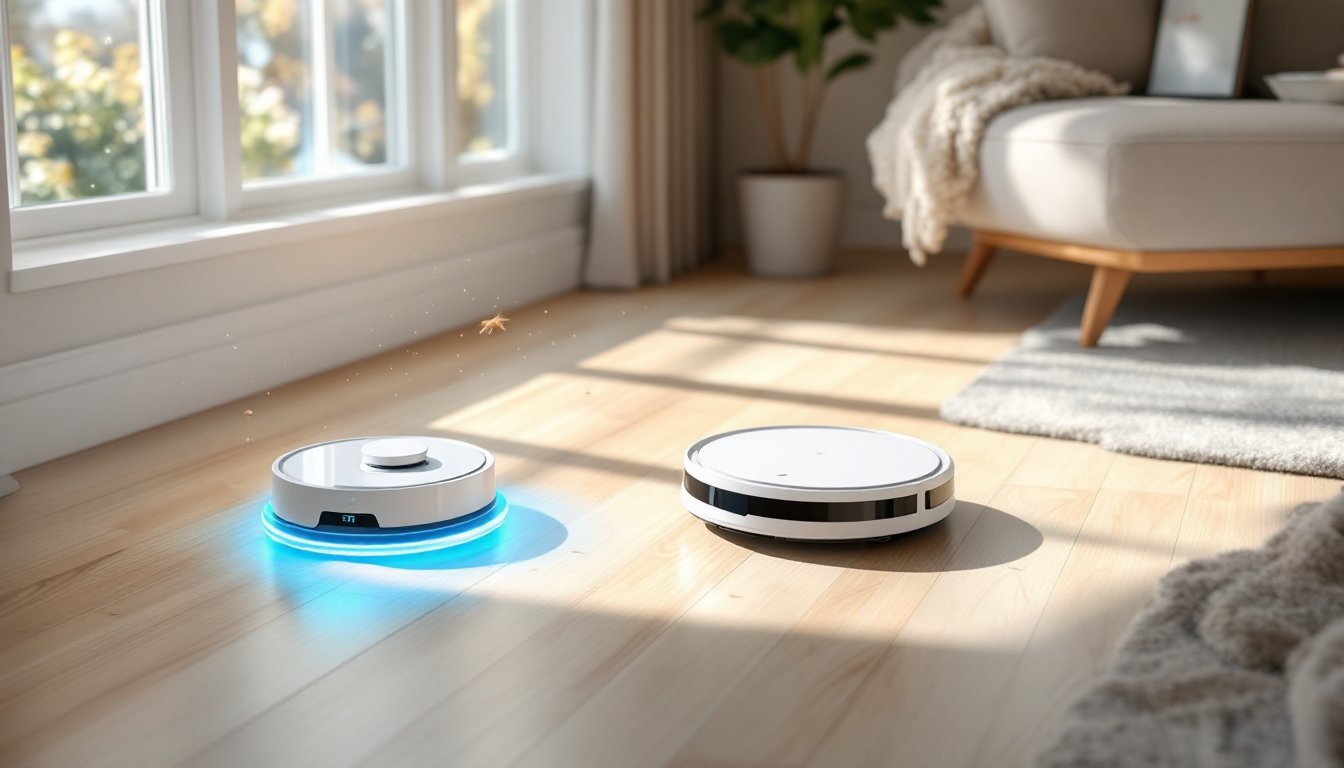
The Xiaomi Robot Vacuum X10 has quietly become one of the most popular choices for homeowners looking to keep their floors clean without the daily effort. If you’ve been thinking about joining the robot vacuum revolution but weren’t sure whether it’s worth the investment, this review cuts through the marketing noise and gives you the practical details that matter. We’ll walk you through what makes the X10 stand out, how to set it up in your home, and whether it’s the right fit for your lifestyle and floor plan.
Table of Contents
ToggleKey Takeaways
- The Xiaomi Robot Vacuum X10 features LIDAR-based navigation technology that creates precise floor maps and works in low-light conditions, allowing customizable no-go zones through a mobile app.
- With 4,000 Pa of suction power and approximately 150 minutes of battery life per charge, the X10 is ideal for homes between 2,000–2,500 square feet, though larger spaces may require automatic docking and resuming.
- The X10 costs $250–$350 and offers the best value for homes with hard floors or low-pile carpet, single-pet households, and owners seeking automated cleaning without premium pricing.
- Setup takes about 10 minutes, integrates with Google Home and Alexa for voice control, and requires minimal maintenance including weekly dustbin emptying and bi-weekly roller cleaning.
- The Xiaomi Robot Vacuum X10 is less ideal for thick shag carpet, multi-pet households with heavy shedding, or Apple HomeKit users, and manual touch-ups in corners may occasionally be needed.
- Regular maintenance like cleaning rollers every 2–3 weeks and strategic positioning of no-go zones through the app significantly maximize cleaning performance and battery longevity.
Key Features And Specifications That Set The X10 Apart
Intelligent Navigation Technology
The Xiaomi Robot Vacuum X10 uses LIDAR-based navigation, the same mapping technology found in higher-end models that cost several hundred dollars more. This allows the vacuum to create a precise floor plan of your home, identify furniture and obstacles, and plot efficient cleaning paths without bumping around blindly. Unlike older infrared sensors, LIDAR works in low light and dark conditions, so your vacuum keeps working even if you run it at night or in dimly lit basements.
Once the X10 maps your home, you can customize no-go zones directly through the mobile app. Need to protect that pet bed in the corner or keep the vacuum away from loose cables behind your entertainment center? Just draw a boundary on the digital floor plan and it won’t cross it. You can also set room-specific cleaning preferences, tell it to skip the bedroom during morning runs or hit the kitchen twice as often as the living room.
Cleaning Power And Battery Performance
The X10 delivers 4,000 Pa of suction pressure, which translates to solid pickup of dust, pet hair, and crumbs across hardwood, tile, and low-to-medium pile carpet. That’s respectable middle-ground power, stronger than basic budget models but below the 5,000+ Pa machines designed for heavy-duty homes with multiple pets or long-haired carpet.
Battery life hits roughly 150 minutes per charge under standard conditions, meaning one full cycle typically covers a 2,000–2,500 square foot home in a single pass. Larger homes or apartments over 3,000 square feet may need the vacuum to dock, recharge, and resume automatically (which the X10 does), though this adds time to the complete cleaning job. Battery performance degrades slowly over time, expect about 10–15% capacity loss after two years of regular use, which is normal for lithium-ion cells.
The dustbin holds about 0.5 liters, tight for homes with multiple pets or heavy shedding, meaning you’ll empty it more often than larger-capacity competitors. If you have a multi-pet household, consider this before purchasing or be prepared to empty every couple of days.
Setup, Integration, And Daily Use
Unboxing and initial setup take about 10 minutes if you’re methodical. Drop the dock in a permanent spot with 1.5 feet of clearance on both sides, preferably on the same floor level where your vacuum will spend most of its time. Plug in the dock, download the Xiaomi Home app, scan the QR code on the dock, and you’re connected. The first run should be a mapping run: let it clean for 15–20 minutes without setting no-go zones so it can fully explore your space and build an accurate floor plan.
Integration with other smart home systems depends on your setup. The Xiaomi Home app works on iOS and Android and is snappy without excessive latency. If you use Google Home or Amazon Alexa, the X10 integrates via standard voice commands, you can say “Hey Google, start vacuuming” and it will begin on its scheduled routine. Apple HomeKit integration is not supported directly, which matters if you’re an iPhone-exclusive household that keeps everything within Apple’s ecosystem.
Daily operation is genuinely hands-off once you establish a routine. Most owners set the vacuum to run once every two days or on a fixed schedule (e.g., Tuesday and Thursday mornings). The app lets you check real-time status, view cleaned areas, and retrieve the vacuum remotely if it gets stuck, though the X10’s obstacle detection usually prevents this. Maintenance is minimal: empty the bin weekly, clean the rollers every 2–3 weeks depending on hair buildup, and wipe the sensors monthly. The dustbin and roller assembly are tool-free, so you won’t need to grab a screwdriver.
Is It Worth The Investment For Your Home?
The Xiaomi Robot Vacuum X10 costs around $250–$350 depending on sales and region, positioning it as a solid mid-tier option that doesn’t expensive. To decide if it’s worth buying, think about your home’s layout, floor types, and whether you have pets.
Best suited for: Homes with primarily hard floors or low-pile carpet, single-pet households, floor plans without excessive clutter or tight spaces under furniture, and owners who want automated cleaning without premium pricing.
Less ideal for: Homes with thick shag carpet (the X10 can handle it but isn’t optimized), multi-pet households with heavy daily shedding, spaces packed with furniture legs or floor-level clutter that the vacuum might struggle to navigate around, or anyone who absolutely needs integration with Apple HomeKit.
Compare the X10 against other competitors in its price range. The best robot vacuums of 2026 include several models worth evaluating side-by-side, from Roborock to Eufy, each with different strengths. The X10 doesn’t always come out on top for sheer power, but its navigation reliability and software stability make it competitive. A detailed hands-on review from Tom’s Guide highlights its real-world performance, which can help you make a more informed comparison if you’re torn between brands.
Value-wise, you’re paying for convenience and time savings rather than raw capability. If you’re willing to do occasional spot-cleaning or manual touch-ups for problem areas, the ROI becomes clear within a few months, especially if you’re a busy homeowner or someone with mobility concerns who finds traditional vacuuming difficult.
Practical Tips For Maximizing Your Robot Vacuum
Once your X10 arrives, a few setup and operational moves make a real difference in performance.
Prep your floors before the first run. Pick up visible cords, small toys, clothing, or anything else that could tangle the brushes or confuse the sensors. You don’t need your home surgery-clean, but a quick walk-through to remove obvious hazards prevents stuck vacuums and damaged rollers.
Position the dock smartly. The dock needs a dedicated outlet and clear space around it. Avoid corners, tight alcoves, or spots directly under hanging furniture where the vacuum might struggle to dock or undock. Hallways or open room edges usually work best, somewhere the vacuum can approach from any angle without obstacles.
Clean the rollers on a regular schedule. Hair, dust, and fibers wrap around the main brush and side brush over time, reducing cleaning effectiveness. Set a calendar reminder to inspect and clean them every 2–3 weeks. A quick video from Xiaomi’s support channel shows exactly how to do this without tools.
Use no-go zones and room partitioning strategically. Don’t just set it and forget it, review the app-generated floor plan and lock out areas where the vacuum shouldn’t go (staircases, rooms with lots of loose wires, pet litter boxes). Breaking your home into room zones lets you schedule different cleaning frequencies per area.
Monitor battery health. If you notice significant drops in runtime or the vacuum dying before covering your usual area, the battery may be aging. Lithium-ion packs gradually lose capacity: replacement batteries are available for roughly $80–$120 if needed after 2–3 years of use.
Manage expectations for edges and corners. The X10 gets close to baseboards but won’t pick up crumbs directly against a wall corner. A quick manual pass in tight corners once a month prevents debris buildup. The Xiaomi Robot Vacuum X10 review from Digital Trends emphasizes this limitation, noting that no robot vacuum cleans edges perfectly.
Adjust suction on the fly. The app includes three suction settings (standard, medium, high). Lower settings use less battery but clean lighter: high suction drains the battery faster but tackles pet hair and carpeted rooms better. Experiment to find the sweet spot for your typical schedule.
Conclusion
The Xiaomi Robot Vacuum X10 offers honest value for homeowners who want to automate the cleaning routine without spending $500+ on premium models. Its intelligent navigation, reasonable battery life, and solid suction make it a practical choice for most floor plans. It’s not perfect, edges and thick carpet require compromise, but it handles the bulk of the work reliably so you can focus on what matters. If your home and routine align with what the X10 is designed to do, it’s a smart investment that pays for itself through reclaimed time.